Inquiry – Introduction
Starting this inquiry has been incredibly overwhelming. Narrowing down my choices was daunting enough, but when I finally decided what I was going to work on (SharePoint) and why (because it will be helpful for my job), I was so overwhelmed by just how much information was out there that I couldn’t bring myself to start. I kept trying to hone it on what I wanted to research but when I did I couldn’t figure out where to start. Eventually I finally gave up and decided to try something much less broad.
A number of years ago I got an Arduino starter kit for Christmas. I’ve always been interesting in electronics and robotics but growing up as a girl in the 90s, it wasn’t as easy to find my way into those things. Even though I’ve had this kit for a number of years now, I haven’t even opened it. I’m not good about sitting down to a single task and focusing; I’m much more likely to do something like crochet or sew while I watch a show. However, I just so happened to bring this kit with me when I moved over to Victoria to return to UVic so I figured this is kismet and my time to try it out. I can’t find the exact listing from Amazon but THIS is the closest I can find.
I opened the case and was delighted at all the little doodads that I would soon have names for but was immediately met with an hurdle; All the tutorials came on a CD. A mini CD at that. And despite having both a laptop and a desktop, I did not have a CD drive. I did however live with a Computer Science teacher with spare parts kicking around.
Step One: Extract CD Drive
I adventured into my partner’s office to his graveyard of PCs. My original plan was to just boot up this computer and transfer the CD information to a USB drive. However my plans were thwarted when I finally got it up and running and it had a password that my partner couldn’t remember. Thus the surgery began!
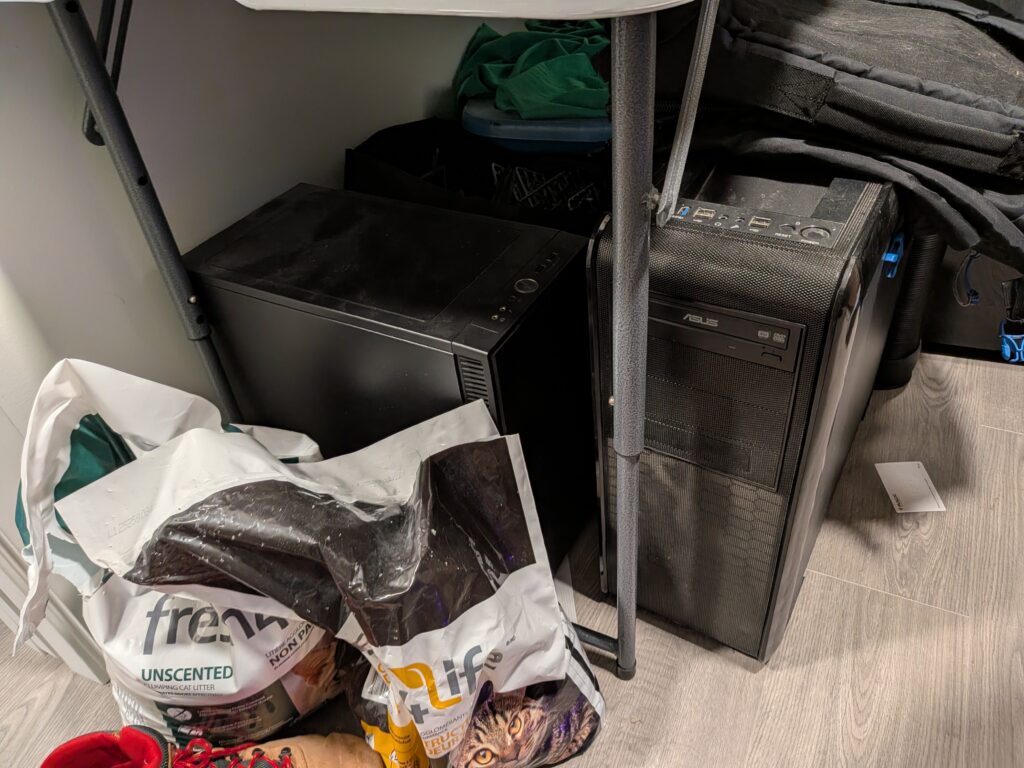
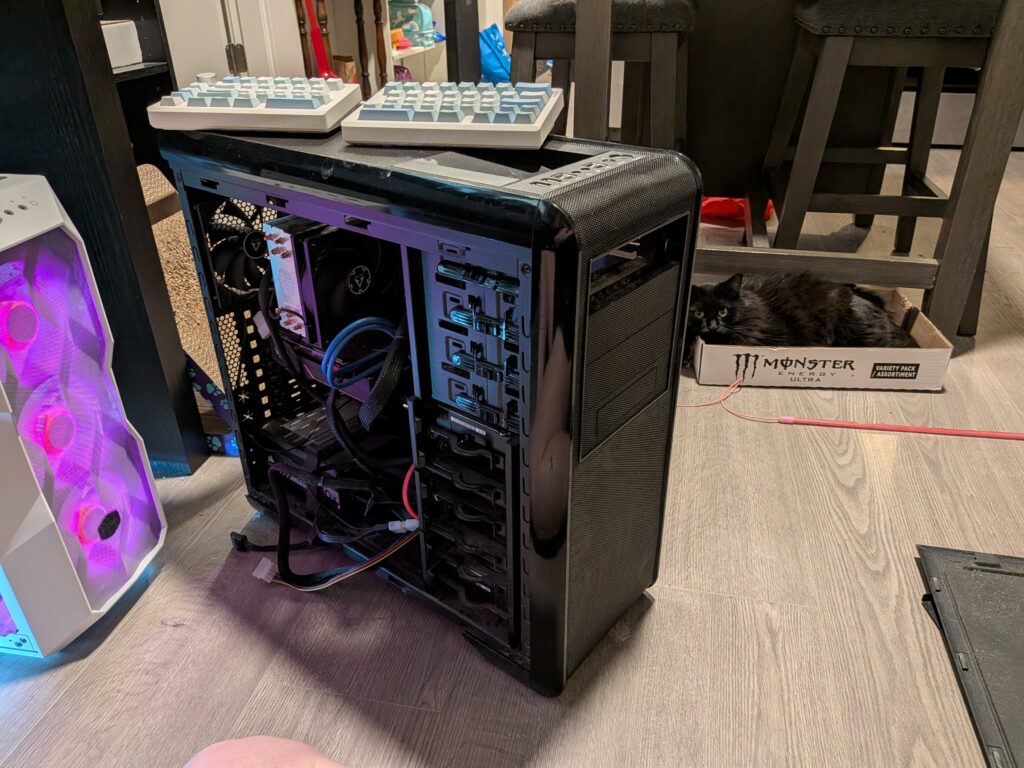
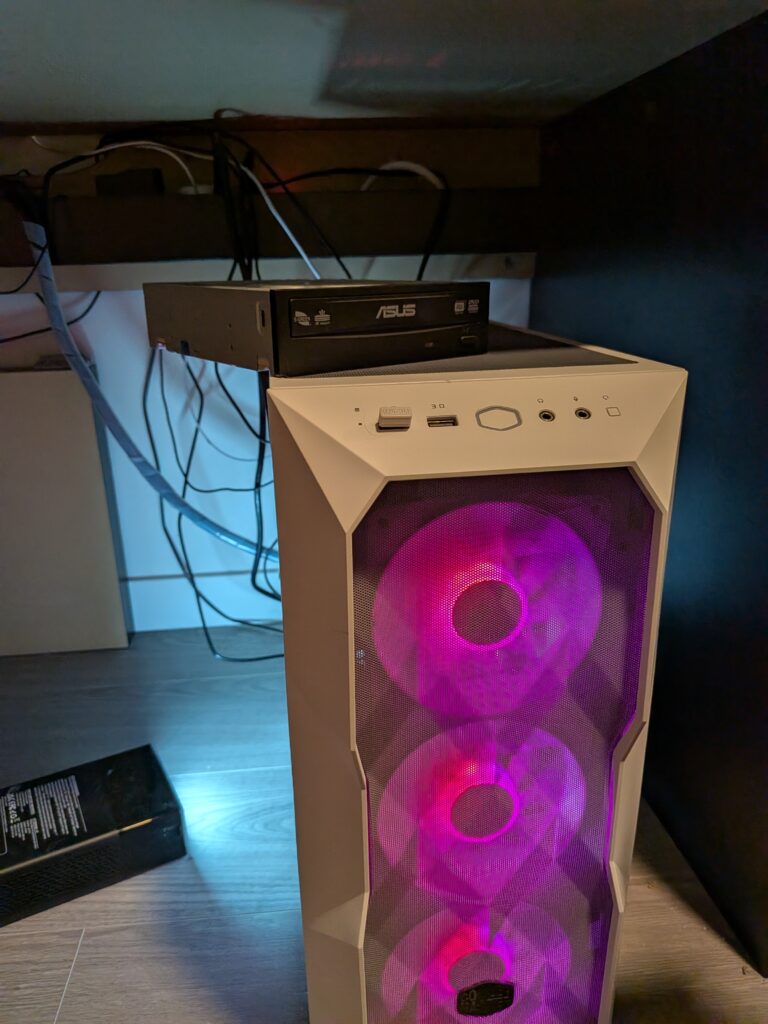
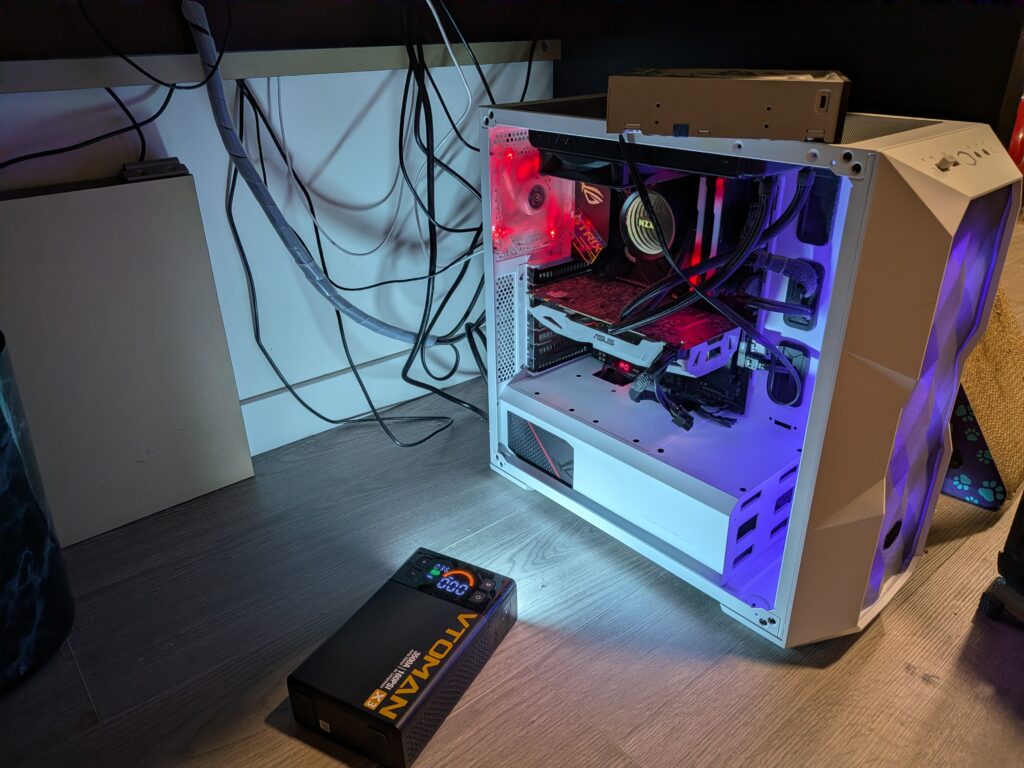
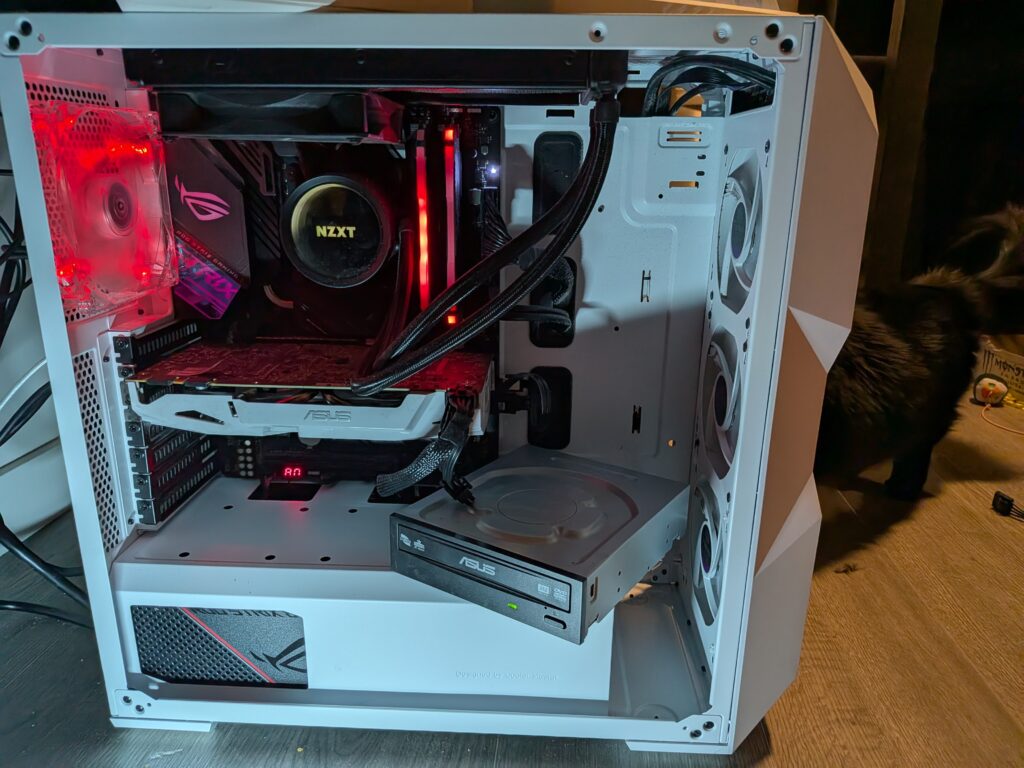
I was quite easily able to remove the CD drive (under the close supervision of my partner’s cat) but then I met my second hurdle. My desktop case is really pretty but does not have any drive slots. Working under my desk, because I didn’t want to have to redo all my cabling, I managed to pull enough apart to connect the drive to my mother board and find a connection to the power supply. It may not look pretty but it worked!! Now I was able to save everything off the CD onto my hard drive and put my desktop back together, once again CD-drive-less.
Step Two: Get Frustrated and Leave it For Another Day…
I decided to start digging around in the intro and Read Me files and discovered that they were all very bad translations, some of the directions and screenshots weren’t translated at all. So I figured that was enough for my first go and will return when I brain space decides I have the capacity to look up some additional tutorials.
All photos by Christa Mitchell under CC BY-NC-ND 4.0